Built on  Home Assistant, running on your hardware, talking to you through Telegram. No cloud dependency. No monthly bills. No compromises.

what you get
Everything a commercial system offers — minus the subscription, the data collection, and the fine print.
Your footage, your storage
Video never leaves your network. No cloud upload, no third-party access, no surprises.
Works without internet
Router goes down, automations keep running. Motion detection, alarms, lights — all local.
Alerts that mean something
A snapshot, the context, and nothing else. Not a wall of notifications you learn to ignore.
No lock-in
Open platforms throughout. Your config is documented, exportable, and editable in place — a validating YAML editor lives in the panel. No SSH, no rebuild.
The home speaks
Multiroom audio across every speaker. Alerts, deliveries, announcements — out loud, in the right room.
Built with personality
Because security infrastructure doesn't have to feel sterile. This one has character.
Show it off, anywhere
A private WireGuard tunnel — not a stripped-down web portal — covers anything from outside your network. Connect on your phone and hand it over to show a friend the whole setup, dashboard included.
You can read the code
The phone app's source is published on GitHub — for nerds who want the receipts. It's your home; you shouldn't have to take anyone's word for what runs on it.
An app, not a bookmark
Your own Android app. Signs in once, finds your house on its own whether you're in or out, and keeps itself up to date.
mobile app
CVApp is your house as an app — cameras, presence, lights, alarms, mail, the drives you took, all in one place, with no browser wrapped around it.
Your home
 WireGuard
coyotes.vision
WireGuard
Your phone
Two independent tunnels meeting at the hub — not one exposed hop.
Encrypted with WireGuard
Updates itself
Home-screen mode


📟 An old phone becomes a wall panel
CVApp can take over a phone or tablet as its home screen. Switch it on and it is the panel — no icon grid, nothing to open first. Home returns to the dashboard, Back goes back the way a browser would. Mount it by the door, in the kitchen, at the counter. The hardware costs nothing: it's the phone already in your drawer.
the panel
CV Panel isn't a wall of switches. It's the things the house has to tell you, laid out like a page you can read.
📬 Mail & parcels
Today's scans, what's still in transit, what landed at the door — with the images, not just a status word.
🚗 Trips
Every drive on a map, with the numbers underneath. Scroll back through the week or the month.
🎙 Voice history
Everything Yaper! carried through the rooms today. Tap to replay, download if you want to keep it.
🏠 The household
Who's home, what's armed, what's running, what the house is in the mood for. At a glance, not buried.
Built on Home Assistant. Runs in any browser on your network — and it's what the app opens into.
daily utility
Not just an alarm that trips at 3am. An active layer across your home, all the time.
📹 Security & Cameras
Powered by Frigate — AI object detection running locally. When something moves, you get a message with a snapshot before you've thought to check.
📍 Presence Awareness
The system tracks who's home, not just whether anyone is. Alarm behavior, messages, and lighting all respond to the actual situation.


📦 Packages & Mail
Tracks Amazon, eBay, Etsy, AliExpress, Best Buy, FedEx, UPS, USPS, DHL, Target, Walmart, Temu, Zappos, Nike, dbrand, and more.Each person in the house gets their own feed — no mix-ups.
🚗 Trips & Mileage
Where a drive started, where it ended, how far, how long, how fast — logged per vehicle, drawn on a map you can scroll back through.
🌤 Weather & Briefings
Daily briefing with a live photo from your outdoor camera. Warnings if something funky monkey outside.
📄 Documents & Scans
Scanned docs route directly to the right person via Telegram. No file sharing, no email.
beyond the basics
Off-the-shelf systems don't have these. Neither does most custom work.

audio layer
The Home Has a Voice
Every alert plays out loud — not just a push notification you'll swipe away. Arm and disarm sounds, delivery chimes, motion end tones, time announcements. Randomized audio pools mean it never sounds mechanical.
One command mutes everything without disabling Telegram notifications.

voice relay
Yaper!
Send a voice message to the bot. It plays through every speaker in the house.
The fastest intercom you've ever had. No app to open, no yelling across rooms. Just record and send. History logged per person, with playback and download from the panel.

ambient layer
The House Keeps Score
A simple tamagotchi for the home. Activity around the house feeds into a mood that shifts on its own — time of day, who's home, moon phase, how busy things have been. Occasionally it sends you something. You can interact with it. You don't have to.
household coordination
🌙 Sleep Mode
One command shuts everything down gracefully. Lights dim, hallways go into slow breathing loops, bathroom drops to 1% nightlight, sounds stop. Wake up and it all restores. Tap a remote in any room for a timed override without breaking the sleep state.
📺 TV Mode
TV starts playing Plex or YouTube — lights dim on their own. Pause or finish — lights restore. No scenes to set, no voice commands. Toggle it on or off from Telegram if you want manual control.
🚿 Bathroom Panel
/bathroom asks whoever's home if they need it. They reply — the system holds the status and sends a "done" when they leave. Built for houses where people actually talk to each other, just not always in time.
🎛 Physical Remotes
ZHA-paired buttons in every room. Tap toggles lights. Double tap cycles brightness. Hold cycles through modes — daylight, warm, amber, color cycle. Sleep-aware: in sleep mode they activate a timed override instead of full lighting.
the brain
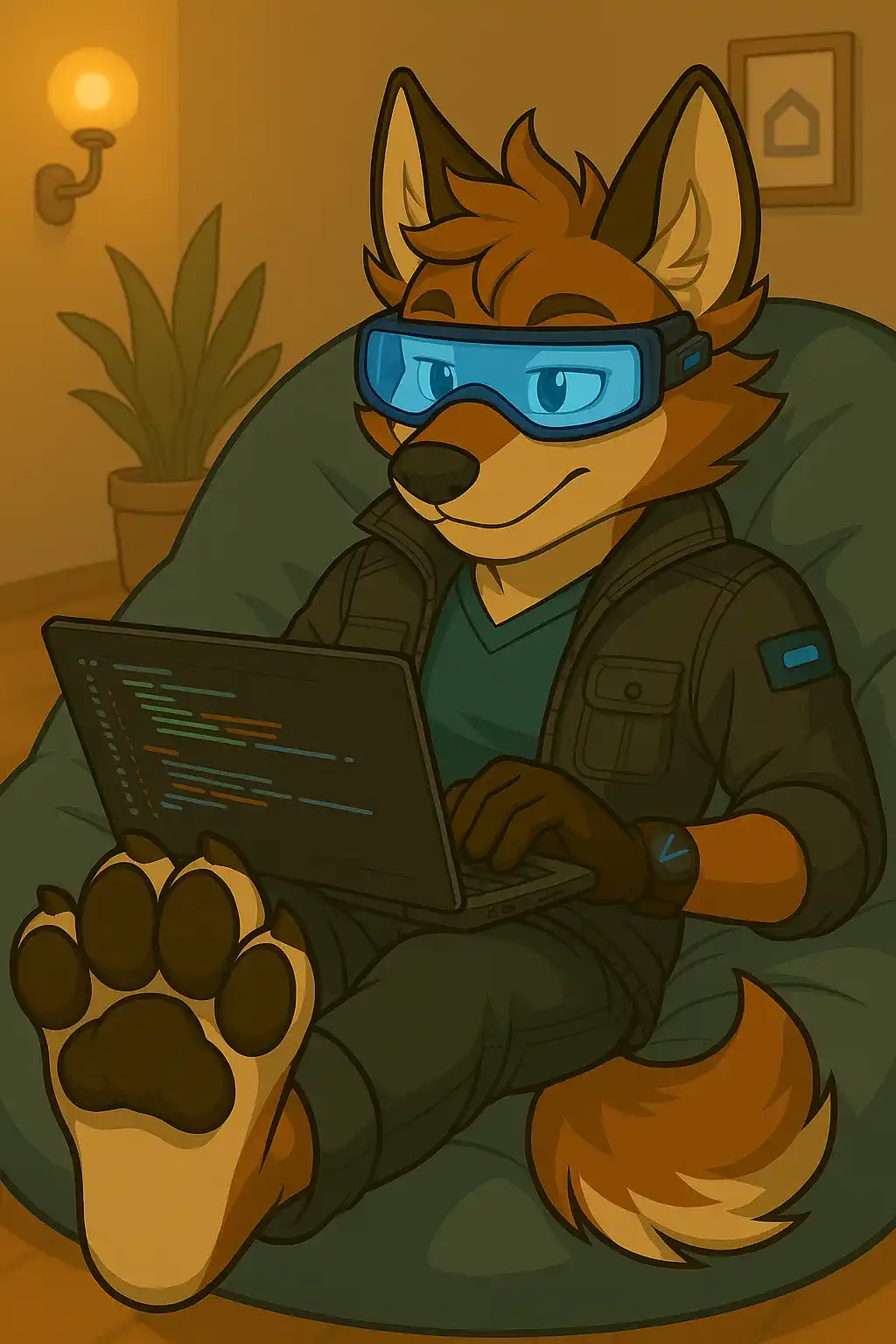
CVBot is what ties the whole system together. It routes your commands, delivers alerts, controls cameras, manages audio — and keeps a personality while doing it.
It runs as a custom Home Assistant component with its own engine — not a stack of automations pretending to be a bot.
customization
The logic is completely separate from the personality. You can swap out the voice, the text library, the stickers, the visual identity — even the species — without touching a single automation.
A protogen assistant who reports security alerts in full military briefing format. A shark secretary who manages your package queue with corporate menace. A coyote who takes home security very seriously. The system doesn't care — it runs the same underneath.
Add new responses, new moods, new audio packs over time. The character evolves without a rebuild.

who it's for
The same stack scales from a studio apartment to a warehouse floor.
Homes & apartments
Single resident or full house. Security, presence, lighting, mail, audio — everything talking to each other.
Offices
Announcements, room scheduling, access alerts, staff notifications through whatever chat platform you use.
Warehouses
Event parsing, audio cues across multiple zones, workstation presence tracking, shift briefings.
Themed spaces & escape rooms
Audio triggers, reactive lighting, story-driven messages on cue. Yes, we've thought about this.
tiers
Pricing is project-based after the design brief. You pay for time, not a license.
Starter
Basic
Most popular
Full stack
Custom
Tailored
No subscriptions. Ever.
Feature lists above are illustrative, not a quote — final scope and price are set after the design brief. Full terms in Privacy & Terms.
how it works
01
Discovery
Email. Goals, constraints, existing gear.
02
Design brief
Topology, privacy settings, full automation plan.
03
Build
HA setup, cameras, notifications, tests.
04
Handoff
Docs, cheat sheet, walkthrough.
05
Support
Pay per issue. No retainers.
Time-based billing after the design brief. No surprise quotes.
FAQ
I'll spec it, build it, and hand it off clean. No recurring fees, no vendor dependency, no compromises. Leave your details and I'll follow up to scope it out.
🐺 Noted.
I'll reach out to get started.


